Opening the page
What to do when the page asks for a token instead of showing you anything.
Salidium runs on your machine and nowhere else, so the page has to prove it is you before the daemon will talk to it. That is what the token is, and salidium open is how you get one.
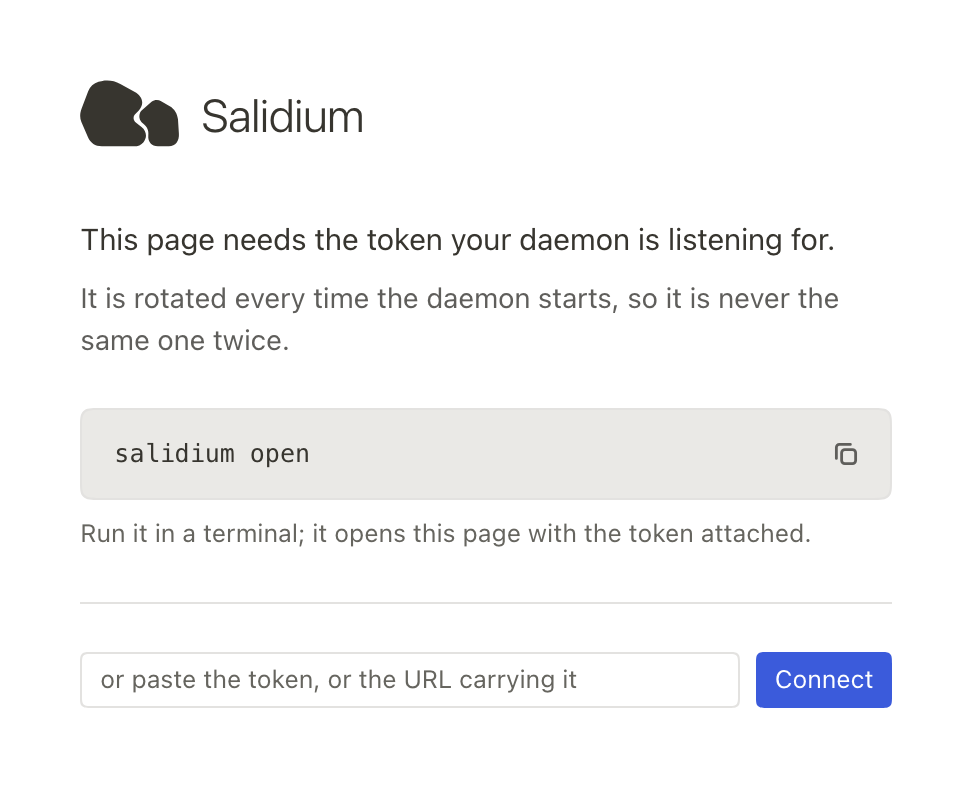
There are two ways past it, and the first is the one to use.
- Run
salidium open - It opens this page with the token already attached. The page offers the command with a button that copies it.
- Paste a token
- The field takes the token itself, or the whole URL carrying it after
#token=.
The token is regenerated every time the daemon starts, so a tab you left open from before a restart signs itself out and says so. This is not an expiry you can extend. It is how a restart stops being something an old tab can keep talking to.
When the daemon stops answering
The page keeps whatever it already has and says what the connection is doing, beside the session list and again in the toolbar above a report. A page that has stopped receiving events but still looks live is the one thing it must not be.
- Connecting
- Opening the connection. This is what start-up looks like.
- Reconnecting
- Contact was lost and Salidium is retrying. Nothing is needed from you.
- Disconnected
- Nothing is arriving, and the daemon may have stopped.
Open a session while the daemon is gone and the page says so in full, names salidium as the command that starts it again, and offers to try the request once more.
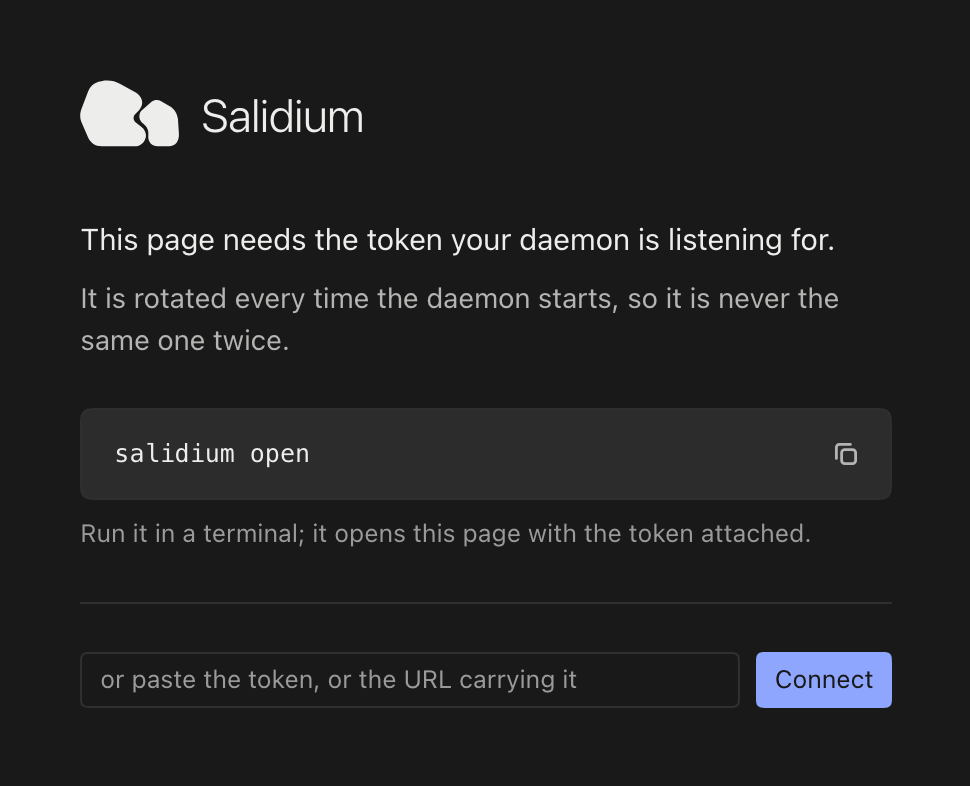
Light or dark
The control at the right of the toolbar above a report cycles three states: match the system, light, and dark. The choice is kept in this browser and applies to every page.