Sessions
Which of your runs need you, which are still going, and which are done.
Every run your agents make becomes a session. The list puts the ones that need you at the top, because that is the question you open it with.
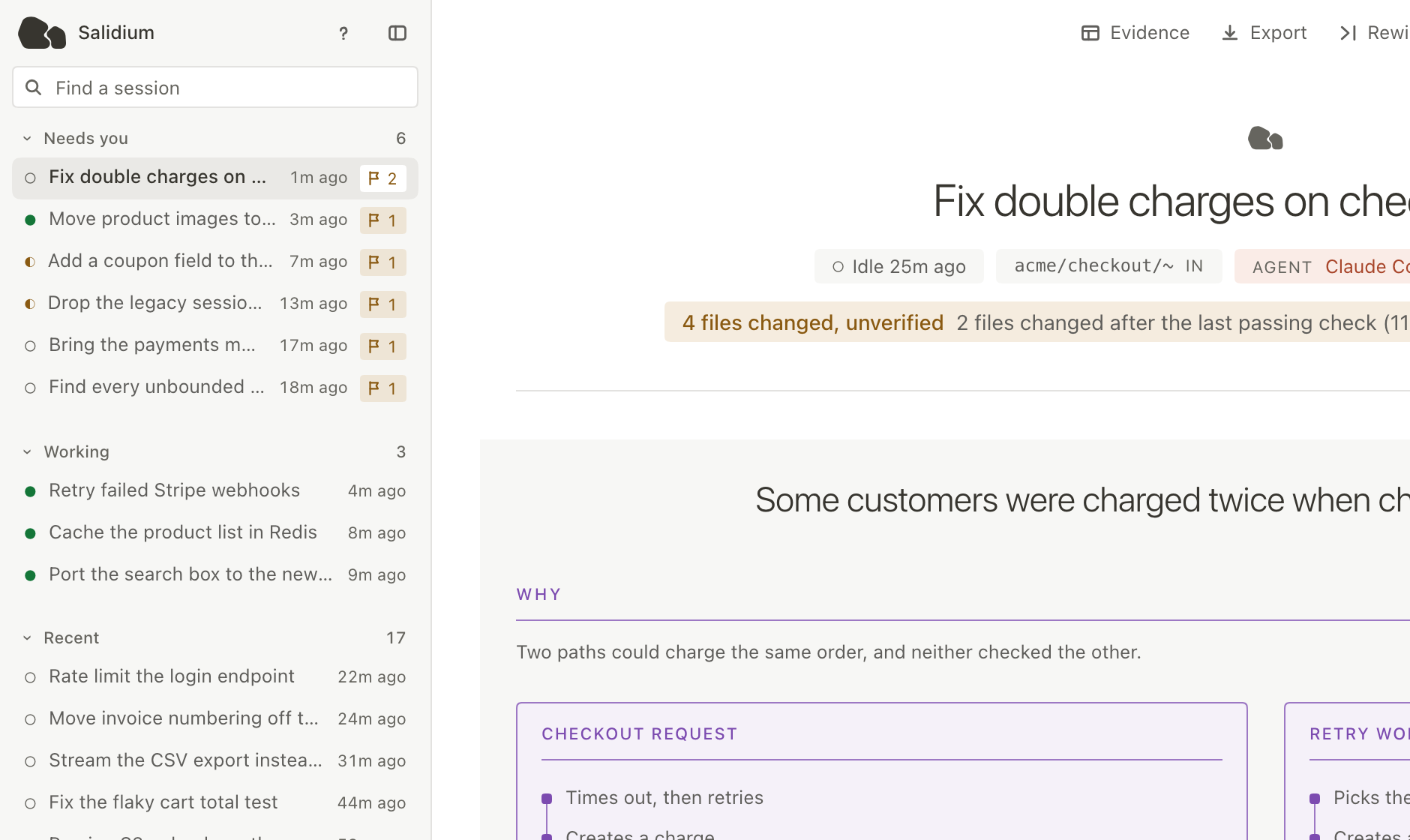
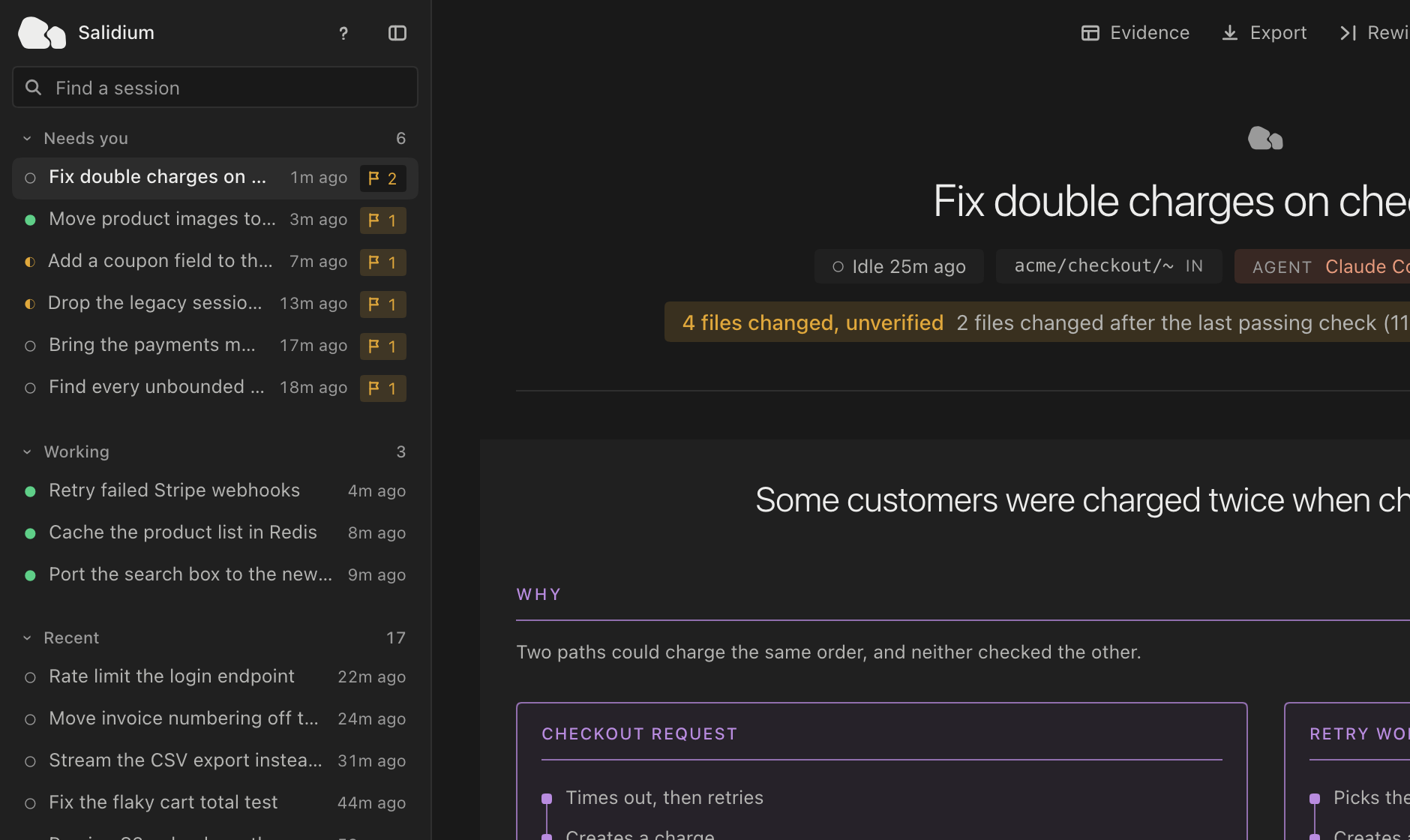
- Needs you
- A waiting agent, or a running or recently stopped session with something open in Needs you. These head the panel.
- Working
- Still running, and not already above.
- Recent
- Everything else, newest activity first.
- Nothing recorded
- Sessions that started and ended without running a turn. Folded away by default.
The mark on a row
Every row carries one. The question mark above the list keys the four a running agent produces; the fifth is what a row says when nothing was recorded at all.
- Working
- The agent is running.
- Waiting for you
- It has asked for something and stopped.
- Idle
- Running, but nothing is happening.
- Ended
- Finished.
- Unknown
- No status was recorded.
A row can also carry a count of things to review. While the session is running that reads as needing you now; once it has stopped it reads as flagged during the session. Open a row and you get its report.
Finding one
The field above the list searches the whole store by name, repository and id, not only the sessions on screen. Salidium says how many it searched and how many it is showing, because the panel is a window onto a larger store rather than all of it.